Field team management software: what happens out in the field, in the office right away.
If your company has technicians, installers or crews working out in the field, you know the routine: the schedule lives in a spreadsheet, and you only find out what really happened at the end of the day, when the paper delivery notes come in.
Delivery notes written in a hurry, sometimes unreadable, that then have to be explained to the supervisor in person to piece the day back together. With Avanbox Aura, the information from every job reaches the office in real time.
Avanbox Aura, with Nova and Core
Aura is the ERP in Avanbox, Documelia's application, and field team management is one of its functions. It works alongside two other parts of Avanbox:
- Aura: the Avanbox ERP. The office uses it to plan the calendar, the bookings and the tasks.
- Nova: the technician's app, on their phone. It shows them the day's jobs and connects them with the office.
- Core: the document manager. It keeps a file for every job, organized automatically.
Plan every job on one calendar
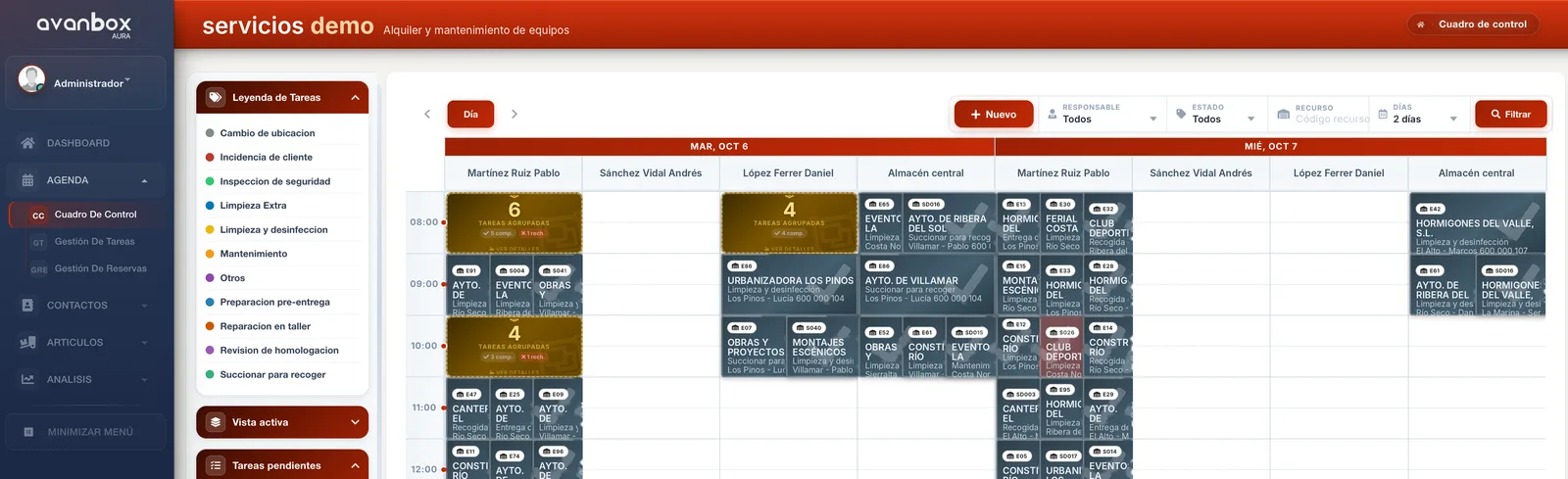
Aura's calendar brings together all your technicians' jobs. Each job can carry its bookings, its materials and whatever else it needs.
- Reassign by dragging: the administrator moves and reassigns jobs by dragging them with the mouse.
- Pending tasks, like order tickets: tasks waiting to be assigned pile up in a list, like order tickets, and get assigned as you drag them onto the calendar.
Routes: Aura suggests, the office adjusts
With the day's jobs on the calendar, Aura suggests a route for each technician.
The office reviews it and adjusts it whenever needed: you always have the final say.
Rentals, deliveries, pick-ups and maintenance
If you rent out equipment, Aura handles the rentals with their deliveries and pick-ups: for example, construction machinery or portable toilets for a festival.
Recurring maintenance
Maintenance jobs that repeat—for example, cleaning and disinfection twice a week—are generated automatically on the calendar, if you choose.
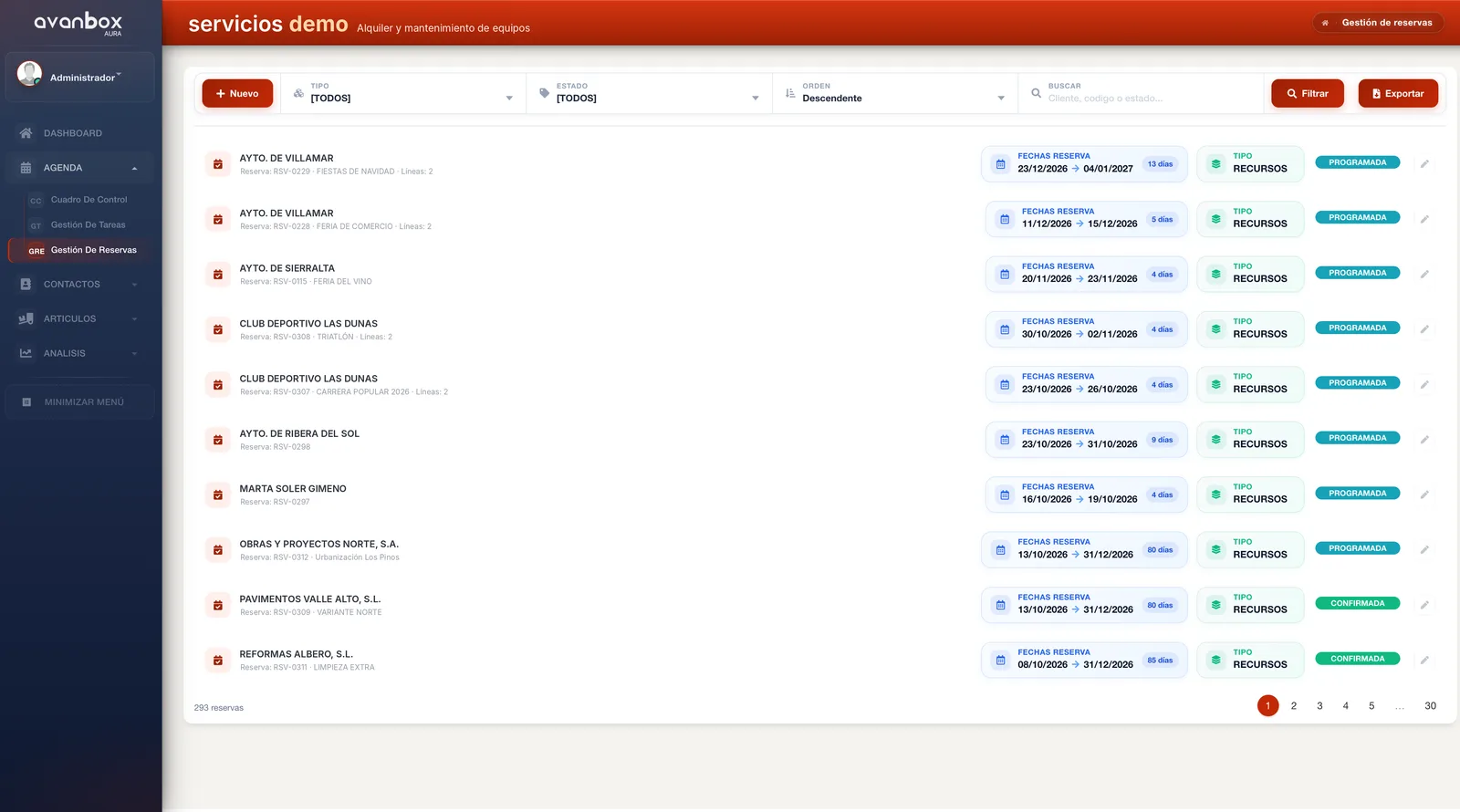
Bookings with their own management
Bookings are managed in their own right and distinguish two kinds of items:
- Tracked individually, with a serial number: for example, a machine, with its workshop record, usage history and parts.
- Tracked by quantity: items with no identity of their own: for example, rental chairs for a parade.
The technician, with Nova on their phone
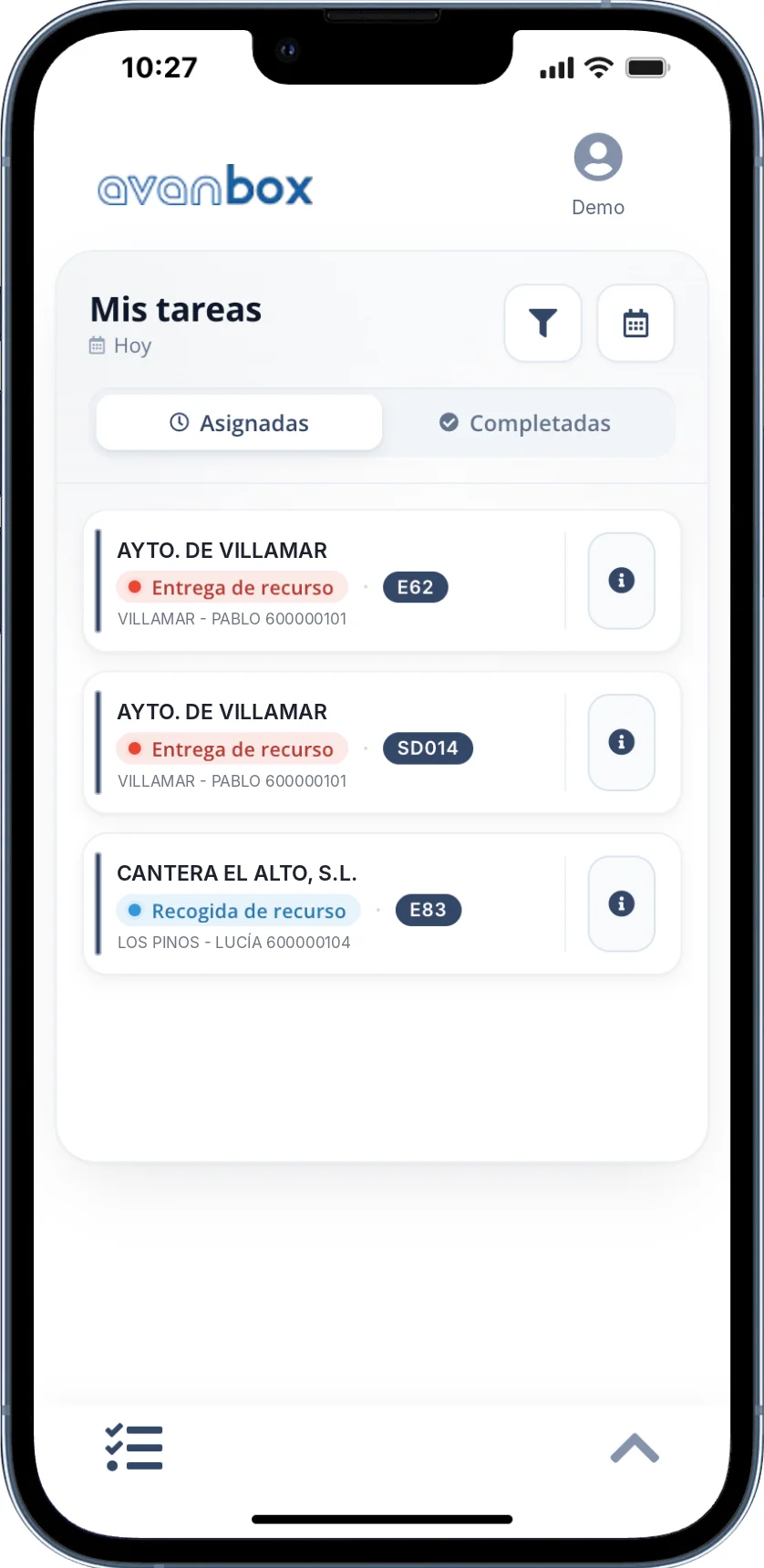
Nova is the technician's app: the same Nova that accounting firms' clients use, here in the hands of your team.
- A mobile-friendly web app: it opens in the phone's browser, with nothing to install from the app stores.
- The day's jobs: Nova shows the technician the jobs assigned to them.
A chat for every job, and everything goes to the file
Every job has a direct chat between the technician and the office:
- Photos: of the situation they find or of the finished work.
- Text: for anything that needs to be put in writing.
- Voice notes: which are transcribed, so you can read them without having to listen.
Everything is saved in the job file, which is organized automatically in Avanbox Core.
The office has it all at hand, from the calendar or from the file in Core.
Invoicing: with Aura or with your ERP
Completed work can be invoiced in two ways:
- With Aura: which invoices with VeriFactu, Spain's verifiable invoicing system.
- With your ERP: Aura sends it the data so you can invoice from your own software.
Connects with:
- Navision
- Odoo
- Sage
- and others, depending on the case
For companies with teams out in the field
Technicians, installers, loss adjusters, construction, rental or maintenance crews:
- Installers
- Maintenance
- Machinery and equipment rental
- Event services
- Cleaning
- Loss adjusting
- Construction
- and other companies with field teams
Companies such as Reveal Maquinaria and Evealia already use it, among others.
Want to see it in action?
We'll show you Aura, Nova and Core in a demo for your company.
Request a demo → Download the brochure (PDF, Spanish)